Modular Flutter Template with State Management
September 25, 2026
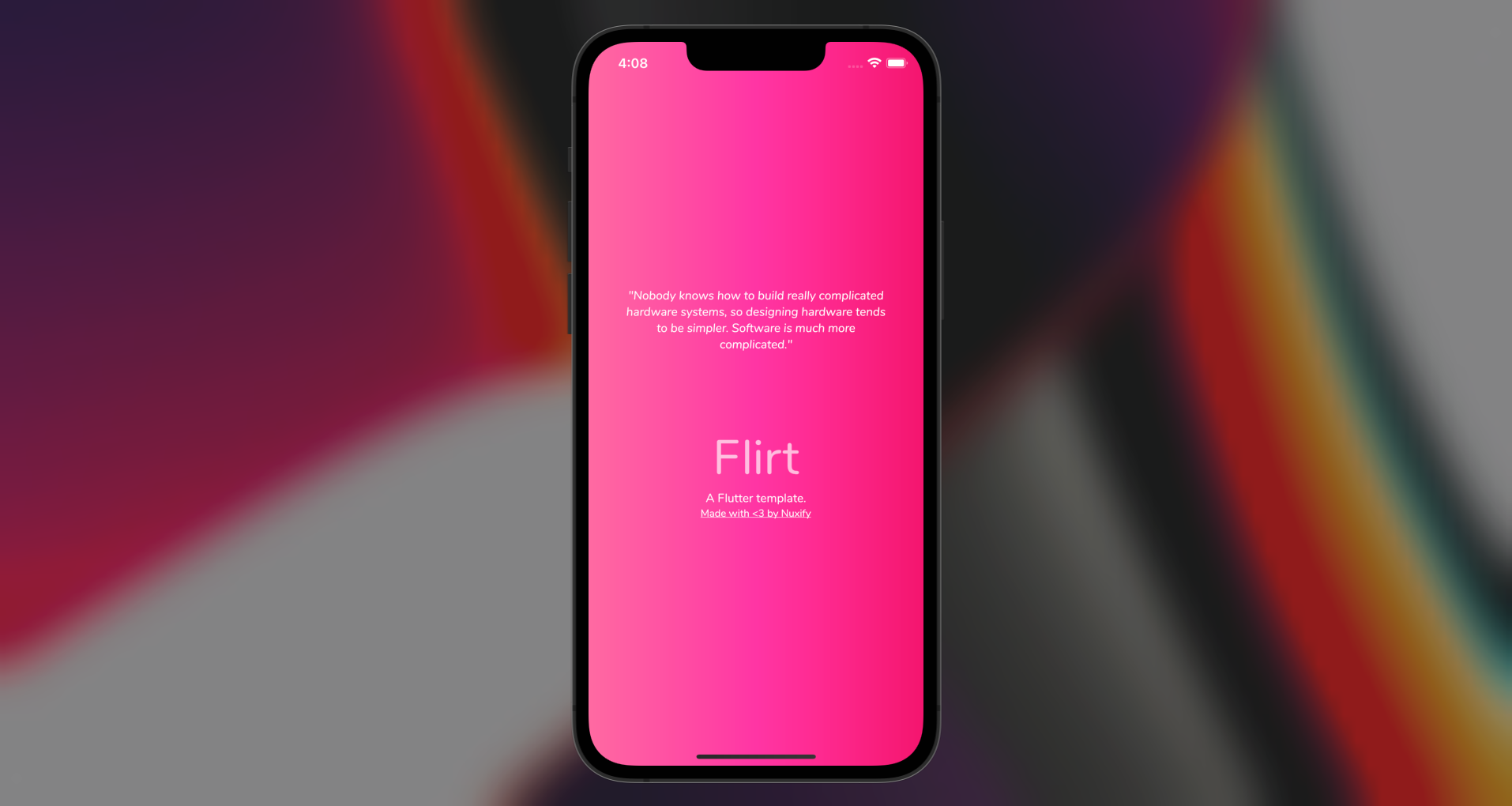
Flirt is an open source Flutter template by Nuxify for building medium to large sized applications following Modular Architecture and BLoC State Management.
Introduction
Hello, fellow Flutter fans 💙!
We here at Nuxify love using Flutter.
Due to its amazing cross-platform support, near native speed, and large community, we have chosen it as our main framework for mobile development.
We have a couple of apps on production built on our open-source template and we'd love to share it with the community.
The template can be found at https://github.com/Nuxify/flirt.
Architecture
The template follows a Modular Architecture principle, where the app is broken down into separate building blocks that perform independently from each other.
These 'building blocks' are referred to as Modules.
Since the template only features a simple home screen, we only use a Home module.
If you were building something more complex, let's say a Banking app, you might break down your modules in this way:
- Home Module
- Withdraw Module
- Deposit Module
- Authentication Module
- Settings Module
Compared to the template that you get from the flutter_create command, this is stripped of the heavy boilerplate and is instead replaced with an intuitive folder structure, a repository layer for http requests, models for http responses, and cubits for state management.
How To Use
To fully utilize Flirt, you must familiarize yourself with the concept of state management using BLoC.
Here's the official documentation for bloc state management.
If you're more of a visual learner, I highly recommend Flutterly's Bloc Tutorial on Youtube.
After opening the template, start with running the make compile command. This will fetch all required libraries and generate needed files.
After that, you may now run the app with flutter run.
Let’s explore the app’s entry-point: main.dart
The root widget is a MultiBlocProvider. It is used as a dependency injection (DI) widget so that a single instance of a bloc/cubit can be provided to multiple widgets within the app's subtree.
For every cubit that you intend to use within the app, it must be added to the providers parameter in the MultiBlocProvider widget.
Module
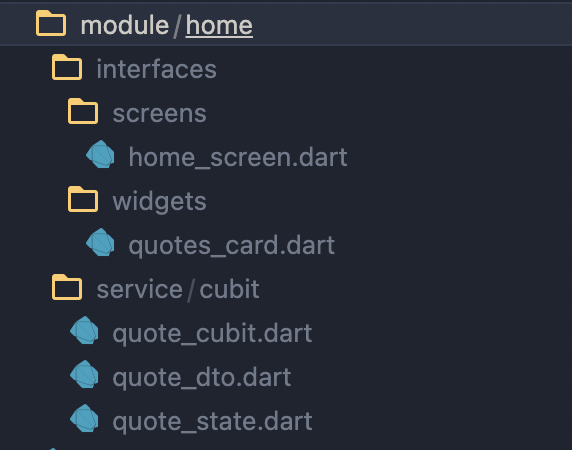
A module contains an interfaces folder and a service folder.
interfaces contains all UI related files, divided to screens and reusable widgets.
service is where the business logic of the module is performed. The modules' cubit, state and DTO can be found here.
Theming (themes.dart)
All Theme related configs can be found at the themes.dart file under the configs folder.
You can override Flutter's default colorScheme, such as the primary, secondary, tertiary colors here.
Colors that you expect to access frequently can be declared in this file.
HTTP Requests
HTTP Requests in the app are located in the repository folder which can be found under infrastructures.
The corresponding models used for the repositories can be found under infrastructures too.
Due to Darts' strict-typing, your requests and responses must be clearly defined with their corresponding expected data types.
Any time you modify files under the models folder, you must run the make compile command to generate the corresponding JSON Serialized files.
Reminder: the screens and widgets do not directly interact with the repository layer.
The cubits are responsible for calling the functions from the repository as well as performing the necessary business logic to the data that you receive from your APIs.
Your screens and widgets receive the data through the usage of BlocListener and BlocListener widgets as they react to the state changes emitted by the cubits.
Conclusion
This template was tailor-made for building medium to large sized apps with ease of scaling. If you're looking to build a small app with minimal moving parts, Bloc state management might be too heavy a solution.
If you're looking for a lighter state management solution, try looking into the provider package, recommended by Flutter itself.
A Web3 template for dApps written in Dart & Flutter is also available at Sophon.
Nuxify is a software development company based in the Philippines. We specialize in web development, mobile development, Web3, and AI.
If you have any further questions, don't hesitate to shoot me a message on LinkedIn or opening an issue at Github.
Happy coding!